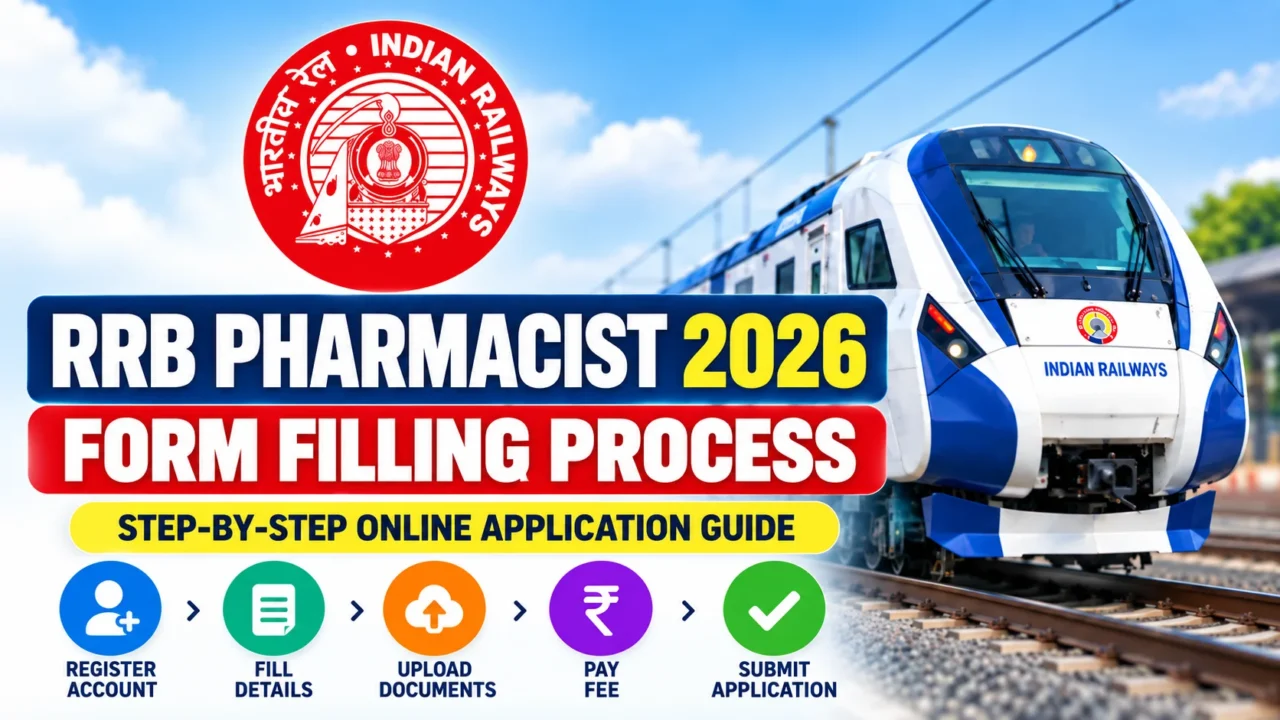



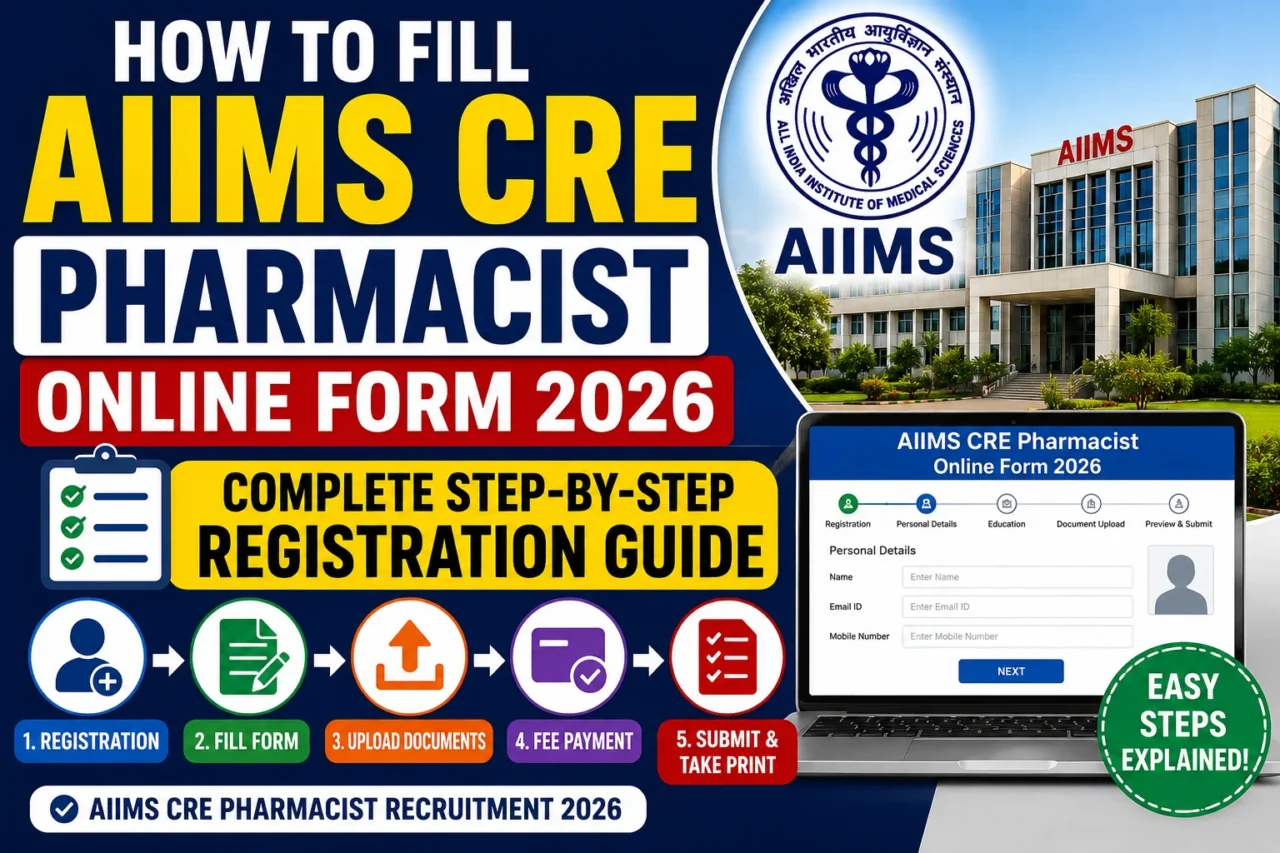

AIIMS CRE-5 Recruitment 2026 has opened the door for Pharmacist aspirants seeking government jobs in premier healthcare institutions. However, every year thousands of candidates make mistakes while filling the application form, leading to rejection during scrutiny or document verification. This guide explains the complete AIIMS CRE Pharmacist Online Form 2026 process step-by-step, helping candidates submit their applications correctly on the first attempt. The application window is open from 13 June 2026 to 3 July 2026, and candidates must apply through the official AIIMS examination portal.
AIIMS CRE Pharmacist 2026: Before You Start
Before filling the form, keep the following documents ready:
- Passport-size photograph
- Signature
- Aadhaar Card
- Mobile number
- Email ID
- D.Pharm/B.Pharm certificates
- Pharmacy Council Registration Certificate
- Category certificate (SC/ST/OBC/EWS), if applicable
- Experience certificate (if required for the post)
Step 1: Visit the Official AIIMS Website
Go to the official AIIMS Examination Portal:
Click on “Common Recruitment Examination (CRE-5) 2026” and select New Registration.
Step 2: Complete One-Time Registration (OTR)
AIIMS requires candidates to create a One-Time Registration (OTR) profile.
Enter:
- Full Name (as per Aadhaar)
- Date of Birth
- Mobile Number
- Email Address
- Category
- Gender
After verification through OTP, your Candidate ID will be generated. The recruitment notification clearly states that duplicate registrations can lead to cancellation of candidature.
Step 3: Login and Select Pharmacist Post Group
After registration:
- Login using Candidate ID and Password.
- Select CRE-5 Recruitment 2026.
- Choose the Pharmacist/Pharmacist Grade-II Group.
Candidates should carefully read eligibility requirements before selecting a post because different institutes may have different qualification criteria.
Step 4: Fill Personal Details
Enter:
- Father’s Name
- Mother’s Name
- Nationality
- Category
- Address
- Identification Details
Make sure every detail matches your official documents.
Step 5: Fill Educational Qualification
Enter details of:
For D.Pharm Candidates
- Board/University
- Passing Year
- Percentage/CGPA
For B.Pharm Candidates
- University Name
- Passing Year
- Registration Number
Ensure all educational qualifications were completed before the application closing date.
Step 6: Enter Pharmacy Council Registration Details
This is one of the most important sections.
Candidates must provide:
- State Pharmacy Council Name
- Registration Number
- Registration Date
Most Pharmacist posts require registration under the Pharmacy Act, 1948.
Step 7: Upload Photograph and Signature
Upload:
Photograph
- Recent passport-size photo
- Clear background
- Face clearly visible
Signature
- Black or blue ink signature
- Scan in prescribed format
Incorrect image dimensions are a common reason for application rejection.
Step 8: Upload Category Certificate (If Applicable)
Candidates applying under:
- OBC-NCL
- EWS
- SC
- ST
- PwBD
must upload valid certificates in the prescribed format. AIIMS specifies validity requirements for OBC-NCL and EWS certificates.

Step 9: Review the Application Carefully
Before payment:
✔ Check Name
✔ Date of Birth
✔ Pharmacy Registration Number
✔ Category
✔ Educational Details
✔ Uploaded Documents
Once submitted, correction opportunities may be limited. AIIMS advises candidates to fill the form carefully.
Step 10: Pay Application Fee
Application fees for CRE-5 are:
| Category | Fee |
|---|---|
| General/OBC | ₹3000 |
| SC/ST/EWS | ₹2400 |
| PwBD | Exempted |
SC/ST candidates who appear in the CBT are eligible for fee refund as per recruitment rules.
Step 11: Final Submission
After successful payment:
- Click Final Submit.
- Download the Application Form.
- Save the Payment Receipt.
- Print a copy for future reference.
AIIMS does not require physical submission of application forms. Everything is completed online.
Common Mistakes to Avoid
Creating Multiple Registrations
Duplicate Candidate IDs may lead to cancellation.
Uploading Invalid Certificates
Expired OBC-NCL or EWS certificates can result in rejection during document verification.
Wrong Pharmacy Registration Details
Always cross-check your State Pharmacy Council registration number.
Waiting Until the Last Date
Heavy website traffic near the deadline can cause payment failures and incomplete submissions.
Important Dates
| Event | Date |
|---|---|
| Application Start | 13 June 2026 |
| Last Date to Apply | 3 July 2026 (5 PM) |
| Application Status | 11 July 2026 |
| CBT Exam | 25–27 July 2026 (Tentative) |
Final Words
The AIIMS CRE Pharmacist Online Form 2026 is straightforward if candidates keep their documents ready and follow the registration process carefully. The most critical areas are OTR registration, Pharmacy Council registration details, certificate uploads, and fee payment. Submit the form well before the deadline, verify every detail twice, and keep a copy of the final application for document verification and future reference.
Recommended Products