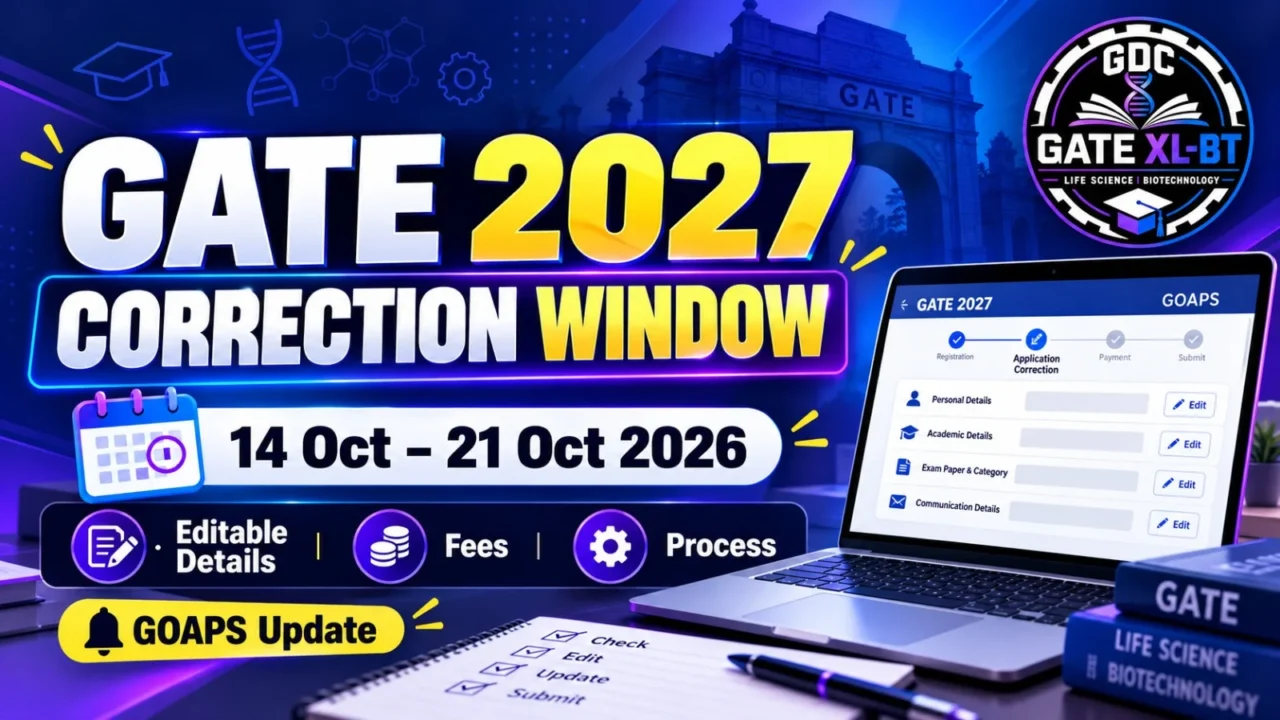




The GATE 2027 Online Application Process will be carried out through the GATE Online Application Processing System (GOAPS). Candidates will use GOAPS to register for GATE 2027, upload required documents, pay the application fee, track application status, download the admit card, and later access their answers, marks, GATE score, and scorecard.
Candidates should carefully enter their personal details and keep their registered email address, mobile number, Enrolment ID, and password secure throughout the examination process.

Quick Summary
The GATE 2027 online application process will be conducted through GOAPS. Candidates will need to register, provide their required details, upload documents, and pay the application fee through the available electronic payment modes. Indian nationals may need DigiLocker registration. After successful registration, candidates receive a unique Enrolment ID for future communication.
GATE 2027 Online Application Process
The GATE 2027 website is expected to contain the GOAPS link tentatively by mid-August 2026.
Through GOAPS, candidates will be able to complete several important activities related to the examination.
What Can Candidates Do Through GOAPS?
| GOAPS Facility | Purpose |
| Registration | Register and enroll for GATE 2027 |
| DigiLocker | Indian nationals may use a verified DigiLocker account for registration |
| Document Upload | Upload photograph, signature and applicable certificates |
| Fee Payment | Pay the application fee through available electronic payment modes |
| Application Status | Check the current status of the application |
| Admit Card | Download the GATE 2027 admit card |
| Answers & Marks | View answers and marks after the examination |
| GATE Score | View the GATE score |
| Scorecard | Download the GATE 2027 scorecard |
The exact updates and availability of these facilities should be checked on the official GATE 2027 website.
GATE 2027 Registration
Candidates are advised to regularly check the official GATE 2027 website for application and examination updates.
Registration for Indian Nationals
Indian nationals may need to register through DigiLocker. Candidates are advised to create and verify their DigiLocker account to make the registration process smoother.
Registration for Other Nationals
Other nationals must first register by providing:
- Full name as mentioned on the valid photo ID
- Valid email address
- Mobile number
- Password
The name entered during registration should match the valid photo ID that the candidate must bring in original while appearing for the GATE 2027 examination.
Important Rules for GATE 2027 Registration
Candidates should carefully follow the registration requirements.
One Email Address for One Candidate
Only one person can register with one email address.
Candidates should therefore use their personal and active email address.
Mobile Number
Candidates should provide their personal mobile number because important communication related to GATE 2027 may be sent through:
- SMS
No Change in Email or Mobile Number
According to the provided official information, no change in email address or mobile number will be entertained at a later stage.
Therefore, candidates should carefully check these details before completing registration.
GATE 2027 Documents Required for Online Application
Candidates may need to upload the following documents, as applicable:
| Document | Requirement |
| Photograph | Required for application |
| Signature | Required for application |
| Photo ID | Required |
| SC/ST/PwD Certificate | If applicable |
| Dyslexic Certificate | If applicable |
Candidates should ensure that their documents meet the requirements specified in the official GATE 2027 application instructions.
Note: The exact document specifications, file formats and size requirements are not mentioned in the provided notification section. Candidates should check the official GATE 2027 website for the latest specifications.

GATE 2027 Application Fee Payment
Candidates will be able to pay the GATE 2027 application fee through the electronic payment modes listed in GOAPS.
The application fee amount is not mentioned in this particular section of the provided official information.
Therefore, candidates should check the official GATE 2027 notification for the latest category-wise application fee.
GATE 2027 Application Status
After submitting the application, candidates can use GOAPS to check the status of their application.
The application status may include:
- Received
- Under scrutiny
- Accepted
- Defect status
- Status after rectification
- Rejected with valid reasons
Candidates should regularly check their application status and take corrective action if any defect is reported.
GATE 2027 Enrolment ID
After successful registration, each candidate will receive a unique Enrolment ID.
An email containing the Enrolment ID will be sent to the registered email address.
Why Is the Enrolment ID Important?
The Enrolment ID will be required for future communication and reference related to the GATE 2027 examination.
Candidates should save the Enrolment ID safely after receiving it.
GATE 2027 Password
During enrolment, candidates must create a password for their GOAPS account.
The password should be strong and difficult to guess.
Password Guidelines
The password should:
- Be 8–15 characters long
- Not contain easily identifiable information
- Not be based on the candidate’s name
- Not be based on the candidate’s date of birth
- Not use simple combinations such as 12345678
- Not use simple letter combinations such as abcdefgh
Candidates should keep their password safe, secure and confidential.
GATE 2027 Application Process: Step-by-Step Guide
Candidates can follow these general steps for completing the online application:
Step 1: Visit the GATE 2027 Website
Visit the official GATE 2027 website when the application portal becomes available.
Step 2: Open GOAPS
Use the GOAPS link provided on the official GATE 2027 website.
Step 3: Complete Registration
Enter the required personal information, email address and mobile number.
Step 4: Complete DigiLocker Process
Indian nationals may need to create or verify their DigiLocker account as required for registration.
Step 5: Upload Documents
Upload the required photograph, signature, photo ID and applicable certificates.
Step 6: Pay the Application Fee
Pay the applicable fee using one of the electronic payment modes available through GOAPS.
Step 7: Check Application Status
After submission, regularly check your application status for acceptance or any reported defects.
Step 8: Save Your Enrolment ID
Keep your Enrolment ID safely because it will be required for future examination-related communication.
Step 9: Keep Your Password Secure
Do not share your GOAPS password with anyone.
GATE 2027 GOAPS: Services Available to Candidates
GOAPS is not limited to the initial application process. Candidates will also use it for several activities during the GATE 2027 examination cycle.
Before the Examination
- Registration
- Application submission
- Document upload
- Fee payment
- Application status
During the Examination Process
- Admit card download
After the Examination
- View answers
- View marks
- View GATE score
- Download GATE 2027 scorecard
Important Tips for GATE 2027 Registration
To avoid application-related problems, candidates should:
- Use a personal and active email address.
- Provide a personal mobile number.
- Carefully enter the name as required by the valid photo ID.
- Keep the Enrolment ID safely.
- Create a strong 8–15 character password.
- Do not share login credentials with anyone.
- Upload documents according to official specifications.
- Check the application status after submission.
- Regularly check the official GATE 2027 website for updates.
- Keep copies of important application-related information for future reference.
GATE 2027 Online Application: Important Information at a Glance
| Particular | Details |
| Application System | GOAPS |
| Expected GOAPS Availability | Tentatively by mid-August 2026 |
| Indian Nationals | May need DigiLocker registration |
| One person can register with one email address | |
| Mobile Number | Personal mobile number is advised |
| Enrolment ID | Unique ID provided after registration |
| Password Length | 8–15 characters |
| Application Status | Available through GOAPS |
| Admit Card | Download through GOAPS |
| Answers & Marks | Available through GOAPS after examination |
| GATE Score | Available through GOAPS |
| Scorecard | Download through GOAPS |
Important Dates for GATE 2027 Application
The provided section only states that the GATE 2027 website is expected to contain the GOAPS link tentatively by mid-August 2026.
| Event | Date/Status |
| GOAPS Availability | Tentatively mid-August 2026 |
| Application Start Date | Check official GATE 2027 notification |
| Application Closing Date | Check official GATE 2027 notification |
| Extended Application Period | Check official GATE 2027 notification |
Note: Do not rely on unofficial dates. Always verify application dates on the official GATE 2027 website.
Important Links for GATE 2027
| Resource | Link |
| GATE 2027 Official Website | Add official GATE 2027 website link |
| GOAPS | Add official GOAPS link |
| GATE 2027 Official Notification | Add official PDF link |
| GATE 2027 Application Form | Add official application link |
External linking recommendation: Link only to the official GATE 2027 website and official GATE 2027 notification when adding external references.
FAQs About GATE 2027 Online Application
1. What is GOAPS in GATE 2027?
GOAPS stands for GATE Online Application Processing System. It is used for GATE registration, application submission, fee payment, application status, admit card, answers, marks, score and scorecard.
2. When will the GATE 2027 GOAPS portal be available?
According to the provided information, the GATE 2027 website is expected to contain the GOAPS link tentatively by mid-August 2026.
3. Is DigiLocker required for GATE 2027 registration?
Indian nationals may need to register through DigiLocker. Candidates should follow the latest instructions provided on the official GATE 2027 website.
4. Can two candidates use the same email address for GATE 2027 registration?
No. According to the provided information, only one person can register with one email address.
5. What is the GATE 2027 Enrolment ID?
The Enrolment ID is a unique ID provided to each registered candidate. It is required for future examination-related communication and reference.
6. What should be the length of the GATE 2027 password?
The password should be 8–15 characters long and should not be easy to guess.
7. Can I change my email address or mobile number later?
According to the provided information, no change in email address or mobile number will be entertained at a later stage.
8. What documents need to be uploaded for GATE 2027?
Candidates may need to upload a photograph, signature, photo ID and applicable SC/ST/PwD or Dyslexic certificate. Exact specifications should be checked in the official instructions.
Why Should GATE XL-BT Candidates Apply Carefully?
For candidates preparing for GATE XL-BT, completing the application correctly is an important first step toward appearing in the examination.
A small mistake in personal information, contact details, document upload or application status can create unnecessary problems. Candidates should therefore complete the GOAPS application carefully and regularly check official updates.
GDC Classes candidates should also keep their GATE preparation and application activities on track so that they can focus on the examination without last-minute application issues.
Conclusion
The GATE 2027 Online Application Process will be managed through GOAPS. Candidates will use the portal for registration, document upload, application fee payment, application-status tracking, admit card download and, later, access to answers, marks, GATE score and scorecard.
Candidates should use a personal email address and mobile number, keep their Enrolment ID and password secure, and regularly check the official GATE 2027 website for updates.
Since the information provided states that the GOAPS link is expected tentatively by mid-August 2026, candidates should wait for the official portal and follow the latest instructions before submitting their application.
For GATE XL-BT preparation and updates, candidates can follow GDC Classes.
Recommended Products