

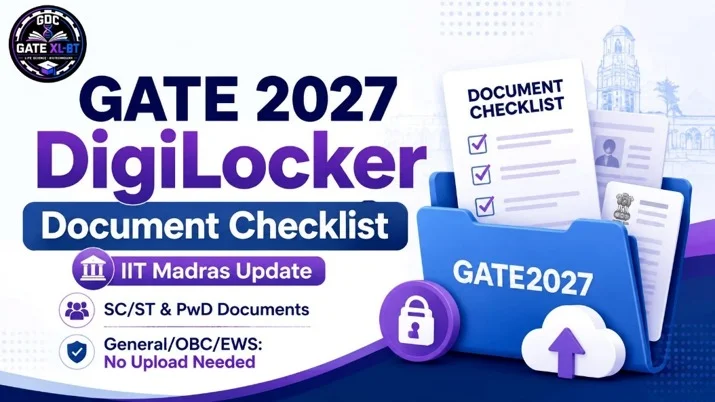

The GATE 2027 DigiLocker Document Checklist has been clarified by IIT Madras for candidates preparing to complete the GATE 2027 application process. Registration through a verified DigiLocker account is mandatory for Indian nationals, but not every candidate needs to upload documents to the separate GATE2027 DigiLocker folder.
Candidates belonging to the General, OBC-NCL and EWS categories do not need to upload any document to the GATE2027 folder, while SC/ST and eligible PwD candidates must upload specific certificates using the prescribed file names.
Quick Summary
IIT Madras has made DigiLocker-based registration mandatory for Indian nationals appearing for GATE 2027. General, OBC-NCL and EWS candidates do not need to upload documents to the GATE2027 folder. SC/ST candidates need a category certificate, while PwD candidates must upload applicable disability documents using prescribed PDF file names.

GATE 2027 DigiLocker Latest Update
IIT Madras is the organizing institute for GATE 2027. According to the official GATE website, Indian nationals must use a verified DigiLocker account during registration.
Information such as the candidate’s name, date of birth, mobile number, email ID, profile picture, address and verified ID details may be fetched through DigiLocker during the registration process.
GATE 2027 DigiLocker Overview
| Particular | Details |
| Exam | Graduate Aptitude Test in Engineering 2027 |
| Organizing Institute | IIT Madras |
| DigiLocker Registration | Mandatory for Indian nationals |
| DigiLocker Folder Name | GATE2027 |
| Space in Folder Name | No |
| General/OBC-NCL/EWS Documents | No document required in GATE2027 folder |
| SC/ST Documents | Category certificate |
| PwD Documents | Applicable PwD/UDID/Appendix documents |
| GOAPS Opening Date | TBA |
| Regular Registration Closing Date | 27 September 2026 |
| Extended Registration Closing Date | 5 October 2026 |
The official GATE Important Dates page currently lists the GOAPS opening date as TBA.
Is DigiLocker Mandatory for GATE 2027?
Yes. GATE 2027 registration through DigiLocker is mandatory for Indian nationals, according to IIT Madras.
Candidates should therefore create or update their verified DigiLocker account before starting the GATE 2027 application.
However, DigiLocker registration being mandatory does not mean that every candidate must upload certificates to the GATE2027 folder.
The documents required depend on the candidate’s category.
GATE 2027 DigiLocker Document Checklist
Here is the category-wise document requirement announced in the official GATE 2027 FAQs.
| Candidate Category | Documents Required in GATE2027 Folder |
| General | No document required |
| OBC-NCL | No document required |
| EWS | No document required |
| SC | Category certificate |
| ST | Category certificate |
| PwD | Applicable disability/PwD documents |
Documents for General, OBC-NCL and EWS Candidates
Candidates belonging to the following categories do not need to upload any documents to the separate GATE2027 DigiLocker folder:
- General
- OBC-NCL
- EWS
This is specifically clarified in the official GATE 2027 FAQ.
Do OBC-NCL Candidates Need to Upload Their Certificate?
No.
The GATE 2027 FAQ states that OBC-NCL candidates do not need to upload an OBC-NCL certificate during the GATE examination application process.
Do EWS Candidates Need to Upload Their Certificate?
No document is currently required to be uploaded to the GATE2027 DigiLocker folder for EWS candidates.
Documents Required for SC and ST Candidates
SC and ST candidates need to upload their category certificate to the DigiLocker folder.
The folder must be named:
GATE2027
There should be no space between GATE and 2027.
Required File Name
CATEGORY.pdf
Candidates should make sure that the uploaded certificate is clear and readable.
SC/ST DigiLocker Checklist
| Requirement | Details |
| Folder | GATE2027 |
| Document | SC/ST Category Certificate |
| File Name | CATEGORY.pdf |
| Format |
GATE 2027 DigiLocker Documents for PwD Candidates
PwD candidates must upload the applicable documents specified by the GATE 2027 application portal and Information Brochure.
The official FAQ lists the following prescribed file names.
| Document | Required File Name |
| PwD Certificate | PWD_CERT.pdf |
| Unique Disability ID Card | UDID_CERT.pdf |
| Appendix B1 | APPENDIX-B1.pdf |
| Appendix B2 | APPENDIX-B2.pdf |
Candidates should upload only the documents applicable to their circumstances and follow the latest instructions displayed on the official GATE application portal.
Are 10th, 12th, UG or PG Marksheets Required in DigiLocker?
No.
IIT Madras has clearly stated that candidates do not need to upload their:
- Class 10 marksheet
- Class 12 marksheet
- Undergraduate marksheet
- Postgraduate marksheet
to the GATE2027 DigiLocker folder for GATE 2027 registration.
Academic documents are not required for the GATE examination registration process in this context.
What Details Will GATE 2027 Fetch From DigiLocker?
According to the official GATE 2027 information, data required for registration may be fetched from the candidate’s verified DigiLocker account.
This includes:
- Name
- Date of birth
- Mobile number
- Email ID
- Profile picture
- Address
- Verified ID card number
Candidates should therefore make sure their details are accurate before completing the application.

What If Name or Date of Birth Is Incorrect in DigiLocker?
Candidates may be provided with verified identity document options available through DigiLocker, such as Aadhaar, PAN, Driving Licence or APAAR ID.
Candidates should select a verified ID containing the correct name and date of birth before submitting the GATE 2027 application.
What If My Aadhaar Photo Is Old or Blurred?
An old, blurred or mismatched photograph on Aadhaar or DigiLocker does not automatically create a problem for the GATE 2027 application.
According to the official FAQ, the live photograph and recent photograph submitted during the application process will be considered.
How to Create the GATE2027 Folder in DigiLocker
Candidates who need to upload applicable certificates can prepare their DigiLocker folder before completing the application.
Step 1: Login to DigiLocker
Open DigiLocker and sign in to your verified account.
Step 2: Open the Drive Section
Go to the Drive section of your DigiLocker account.
Step 3: Create a New Folder
Create a new folder with the exact name:
GATE2027
Do not write:
- GATE 2027
- Gate2027
- GATE-2027
Use GATE2027 as specified.
Step 4: Upload the Required Certificate
Upload only the documents applicable to your category.
Step 5: Use the Correct File Name
For example:
CATEGORY.pdf
for the SC/ST category certificate.
PwD candidates should follow the file naming convention specified in the GATE application portal.
The official registration guideline specifically provides instructions for creating the GATE2027 folder for SC/ST/PwD candidates.
GATE 2027 Important Dates
Candidates should note that the GOAPS registration opening date is currently TBA on the official GATE 2027 Important Dates page.
| Event | GATE 2027 Date |
| GOAPS Application Opening | TBA |
| Regular Registration Last Date | 27 September 2026 |
| Extended Registration Last Date | 5 October 2026 |
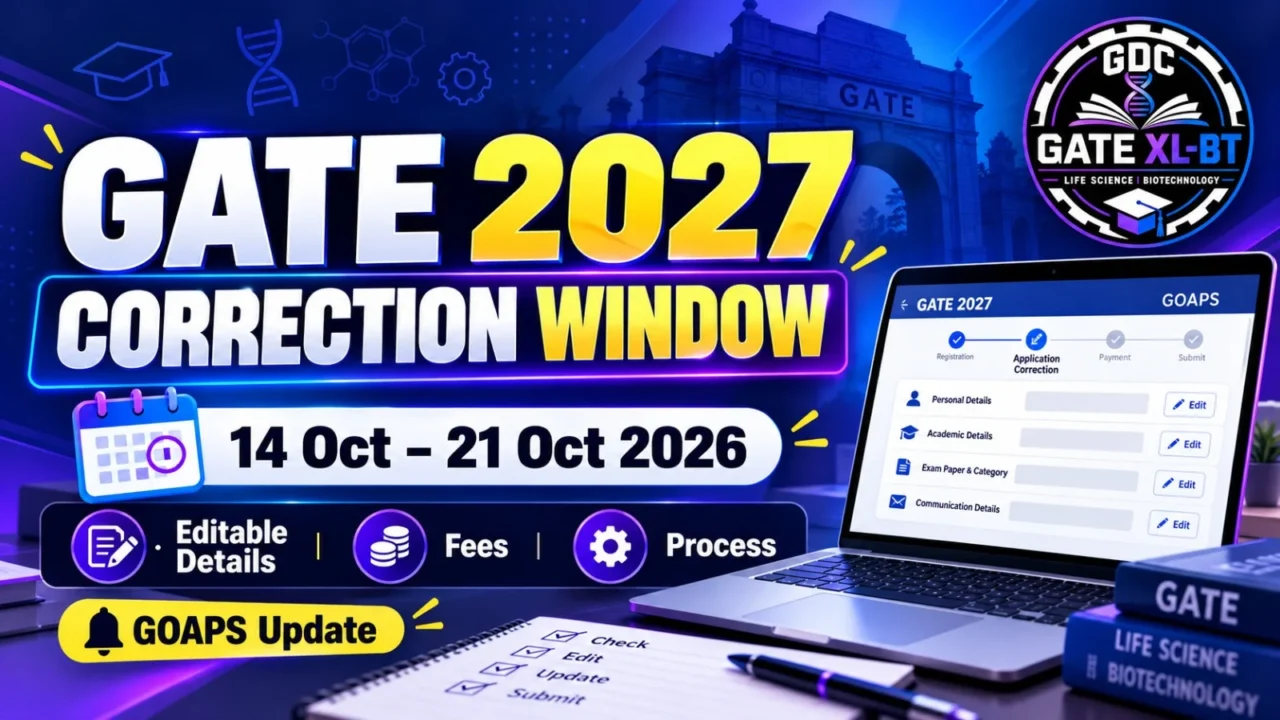
| Application Rectification Starts | 14 October 2026 |
| Application Rectification Ends | 21 October 2026 |
| City Allotment Notification | 4 January 2027 |
| Admit Card | TBA |
| GATE 2027 Exam | 6, 7, 13, 14, 20 & 21 February 2027 |
| GATE 2027 Result | 19 March 2027 |
Dates are subject to change, so candidates should regularly check the official GATE 2027 website.
Who Is Eligible for GATE 2027?
According to the GATE 2027 FAQ, undergraduate students currently in the third year or higher of an eligible government-approved programme may apply.
Eligible disciplines include programmes in areas such as:
- Engineering
- Technology
- Architecture
- Science
- Commerce
- Arts
- Humanities
Candidates who have already completed an eligible degree may also apply subject to the official eligibility requirements.
For exact eligibility related to your degree, check the official GATE 2027 eligibility criteria before applying.
Why GATE XL and BT Candidates Should Prepare DigiLocker Early
For students preparing for GATE XL and GATE Biotechnology (BT), completing registration preparations early helps avoid unnecessary last-minute problems.
Keep your verified DigiLocker account ready, check your personal details, prepare applicable category certificates and use the correct file names.
This allows you to focus more time on:
- GATE XL/BT syllabus preparation
- Previous-year questions
- Mock tests
- Revision
- General Aptitude
- Subject-wise preparation
Important GATE 2027 DigiLocker Instructions
Candidates should keep the following points in mind:
- Use a verified DigiLocker account.
- The folder name must be GATE2027 where applicable.
- General, OBC-NCL and EWS candidates do not need documents in this folder.
- SC/ST candidates should upload the category certificate as CATEGORY.pdf.
- PwD candidates should use the prescribed file names.
- Do not upload unnecessary academic marksheets to this folder.
- Make sure every uploaded PDF is clear and readable.
- Check the latest instructions on the official GATE 2027 portal before final submission.
Unreadable documents can result in delays during application processing.
Important Links
Official GATE 2027 Website:
Visit Official GATE 2027 Website
Official GATE 2027 FAQs:
Check Official GATE 2027 FAQs
Official Required Documents Page:
Check GATE 2027 Required Documents
Official Important Dates:
Check GATE 2027 Important Dates
GATE 2027 DigiLocker FAQs
1. Is DigiLocker mandatory for GATE 2027?
Yes. GATE 2027 registration through a verified DigiLocker account is mandatory for Indian nationals.
2. Do General candidates need to upload documents to GATE2027 DigiLocker?
No. General-category candidates do not need to upload documents to the GATE2027 DigiLocker folder.
3. Do OBC-NCL and EWS candidates need category certificates in DigiLocker?
No. OBC-NCL and EWS candidates do not need to upload documents to the GATE2027 DigiLocker folder.
4. Which document is required for SC/ST candidates?
SC/ST candidates must upload their applicable category certificate using the file name CATEGORY.pdf.
5. What should the DigiLocker folder be named?
The folder should be named exactly GATE2027, without a space.
6. Are 10th and 12th marksheets required in DigiLocker?
No. Class 10, Class 12, UG and PG marksheets do not need to be uploaded to the GATE2027 DigiLocker folder for GATE registration.
7. What documents do PwD candidates need?
Depending on applicability, PwD candidates may need the PwD Certificate, UDID Card, Appendix-B1 or Appendix-B2, using the prescribed file names.
8. When will GATE 2027 registration start?
The official GATE 2027 Important Dates page currently lists the GOAPS opening date as TBA. Candidates should check the official website regularly for the revised opening date.
Conclusion
The GATE 2027 DigiLocker Document Checklist makes it easier for candidates to prepare for registration in advance.
Indian nationals must have a verified DigiLocker account. However, General, OBC-NCL and EWS candidates do not need to upload documents to the separate GATE2027 folder. SC/ST candidates need their category certificate, while PwD candidates should upload the applicable certificates using the file names prescribed by IIT Madras.
Candidates should verify all details and documents before submission and rely on the official GATE 2027 website for the latest updates.
For GATE XL, GATE BT, PYQs, mock tests, preparation strategies and GATE 2027 updates, follow GDC Classes.
Recommended Products