


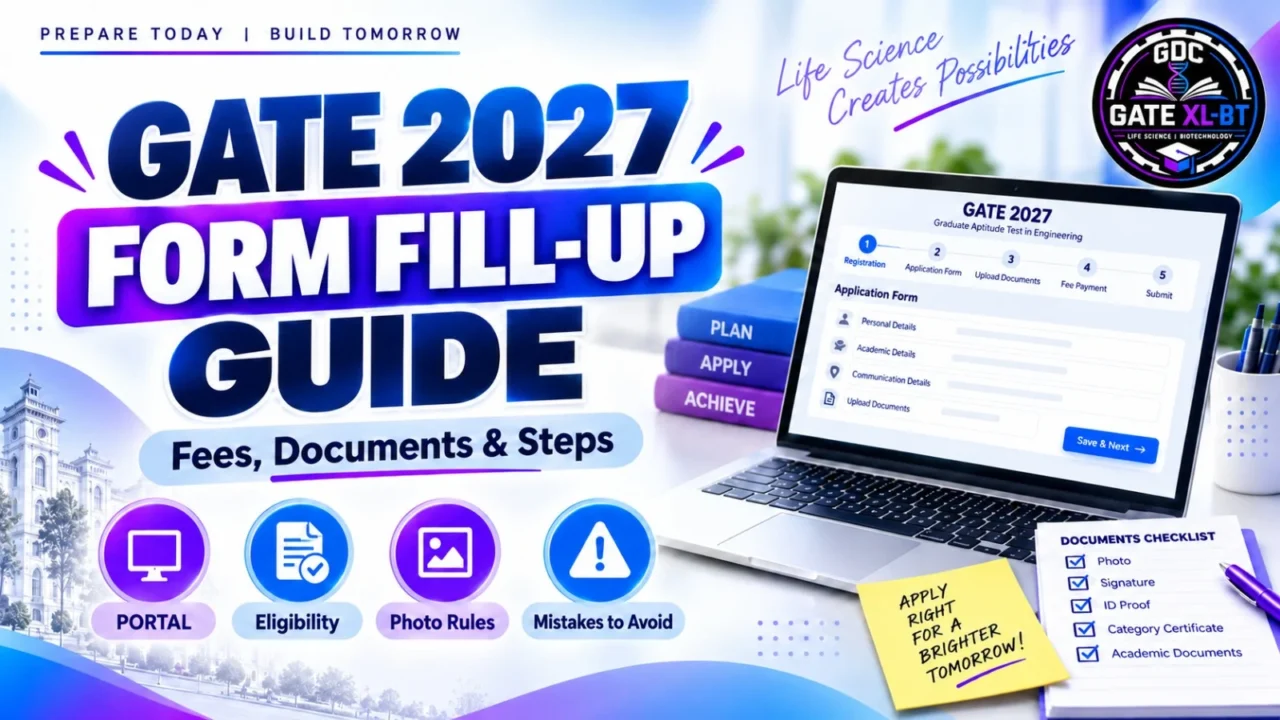

The GATE 2027 Form Fill-Up Guide helps candidates complete the application correctly through the GATE Online Application Processing System (GOAPS). GATE 2027 is organised by IIT Madras, and the application process is online.
Candidates should keep their documents ready, enter personal and academic details carefully, select the correct GATE paper and review the form before final submission.
Quick Summary
GATE 2027 registration is completed online through GOAPS. Candidates need personal details, academic information, photograph, signature, identity proof and applicable certificates. The process includes registration, paper selection, exam-city preference, document upload, fee payment and final submission.

GATE 2027 Overview
| Particular | Details |
| Exam | GATE 2027 |
| Conducting Institute | IIT Madras |
| Application Mode | Online |
| GOAPS Opening Date | 27 August 2026 |
| Exam Dates | 6, 7, 13, 14, 20 & 21 February 2027 |
| Application Closing Date | Not mentioned in the official notification provided |
How to Fill GATE 2027 Application Form
Step 1: Register on GOAPS
Create an account using:
- Full name
- Email address
- Mobile number
- Password
Complete OTP verification and save your enrolment details.
Step 2: Fill Personal Details
Enter your:
- Date of birth
- Gender
- Nationality
- Category
- Address
- DigiLocker details, where applicable
Step 3: Enter Academic Details
Provide your qualifying degree, college details and passing or expected passing year.
Third-year undergraduate students are eligible to apply.
Step 4: Select GATE Paper and Exam Cities
Choose your primary GATE paper carefully.
If applying for two papers, select the second paper only from the officially allowed combinations.
Candidates can also select preferred examination cities.
Step 5: Upload Documents
Keep these documents ready:
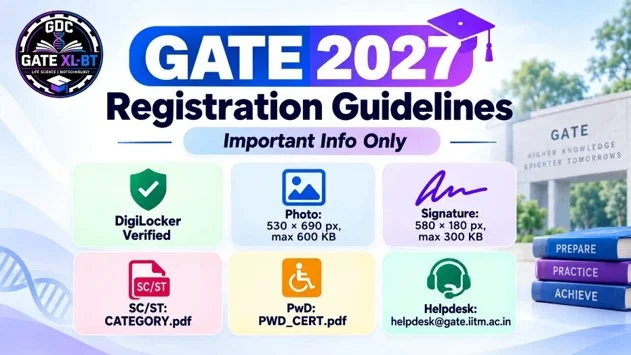
- Passport-size photograph
- Signature
- Valid photo identity proof
- SC/ST certificate, if applicable
- PwD/Dyslexic certificate, if applicable
Live photo verification may also be required during registration.
Step 6: Pay Fee and Submit
Check all details before final submission.
Pay the application fee and download the confirmation page for future reference.
GATE 2027 Application Fee
| Category | Regular Fee per Paper | Extended Window Fee |
| Female Candidates | ₹1,000 | ₹1,500 |
| SC/ST/PwD Candidates | ₹1,000 | ₹1,500 |
| All Other Candidates | ₹2,000 | ₹2,500 |
Candidates applying for two papers must pay the applicable fee for both papers.
Photo and Signature Requirements
| Requirement | Photograph | Signature |
| Format | JPEG/JPG | JPEG/JPG |
| File Size | 5 KB–600 KB | 3 KB–300 KB |
| Background | Plain white | Plain white |
| Size/Ratio | 3.5 cm × 4.5 cm | 1:2.75 to 1:3.75 |
| Coverage | Face: 60–70% | Signature: 70–80% |

Use dark blue or black ink for the signature.
Important Mistakes to Avoid
Avoid these common errors:
- Name or date of birth mismatch
- Wrong GATE paper selection
- Invalid second-paper combination
- Incorrect photograph or signature
- Using only initials in the signature
- Entering wrong academic details
- Waiting until the last day to submit
Important Links
Official GATE 2027 Website:
Use the official IIT Madras GATE 2027 portal.
GOAPS Portal:
Use the official GOAPS application portal for registration.
Official Information Brochure:
Check the official GATE 2027 Information Brochure before submitting the form.
FAQs
Who is conducting GATE 2027?
IIT Madras is conducting GATE 2027.
Is the GATE 2027 application online?
Yes. The application process is online through GOAPS.
Can third-year undergraduate students apply?
Yes. Third-year undergraduate students are eligible to apply.
Can I apply for two GATE papers?
Yes, but the second paper must be selected from the officially allowed combinations.
What is the GATE 2027 application fee?
The regular fee is ₹1,000 per paper for female, SC, ST and PwD candidates and ₹2,000 per paper for other candidates.
What photograph format is required?
The photograph should be in JPEG/JPG format.
Should I save the application confirmation page?
Yes. Save the final confirmation page after successful submission.
Conclusion
Candidates should complete the GATE 2027 application form carefully and avoid last-minute errors. Keep all documents ready, enter details exactly as mentioned in official records and review the complete form before submitting it.
For GATE XL and GATE BT preparation, candidates can follow GDC Classes for syllabus guidance, PYQs, mock tests and preparation resources.
Recommended Products