


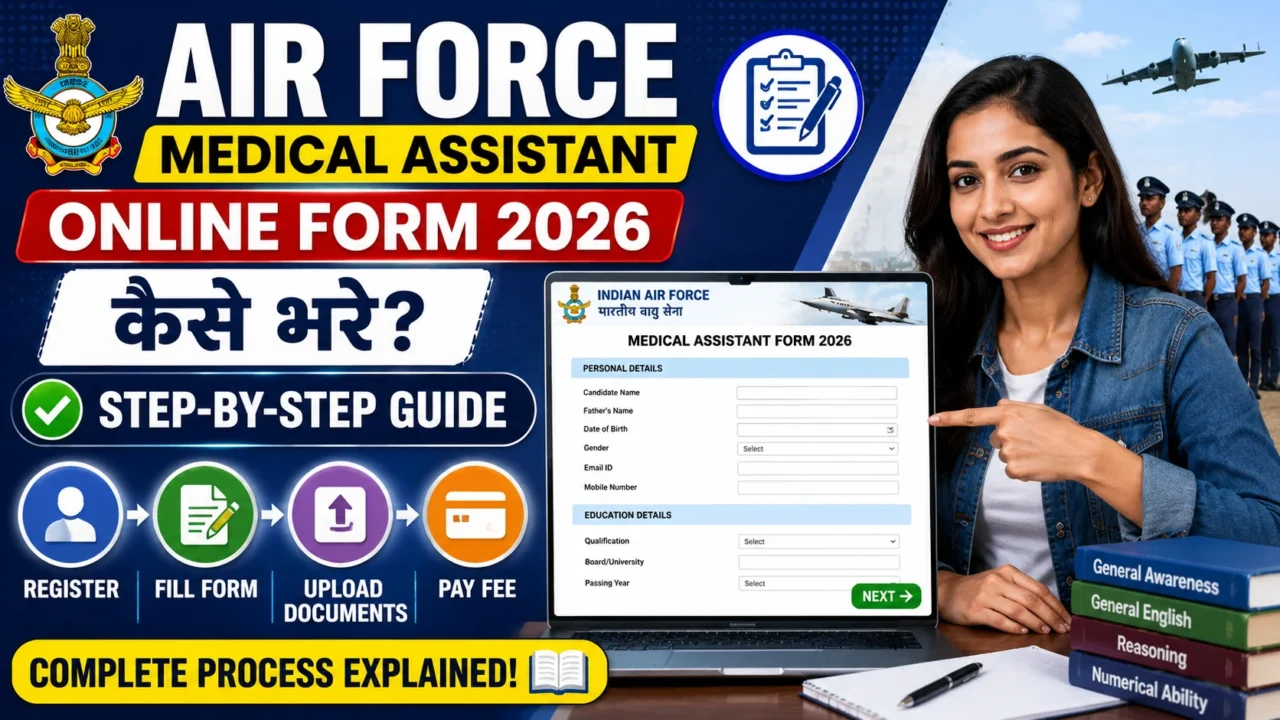

The Indian Air Force (IAF) has released the notification for Airmen Group ‘Y’ Medical Assistant Intake 02/2027. Interested candidates can apply online from 06 July 2026 to 26 July 2026. If you are planning to apply, this step-by-step guide will help you fill out the IAF Medical Assistant Online Form correctly and avoid common mistakes.
Important Dates
| Event | Date |
|---|---|
| Application Start Date | 06 July 2026 |
| Last Date to Apply | 26 July 2026 |
| Online Exam Date | 22-23 September 2026 |
Before Filling the Form
Keep the following documents ready:
- Active Mobile Number
- Valid Email ID
- Aadhaar Card
- Class 10 Marksheet
- Class 12 Marksheet
- Diploma/B.Pharm/B.Sc Pharmacy Certificate (if applicable)
- Passport Size Photograph
- Signature
- Left Thumb Impression
- Debit Card/Credit Card/UPI for fee payment

Step 1: Visit the Official Website
Open the Indian Air Force recruitment portal and click on Medical Assistant Intake 02/2027 Recruitment.
Step 2: New Registration
- Click on “New Registration”
- Enter your Name
- Mobile Number
- Email ID
- Date of Birth
- Create Login Credentials
After submission, an OTP will be sent to your registered mobile number and email ID.
Step 3: Verify Mobile Number & Email
- Enter the OTP received on your mobile and email.
- Complete verification successfully.
Step 4: Login to Your Account
After registration:
- Enter User ID
- Enter Password
- Click Login
Now proceed to complete the application form.
Step 5: Fill Personal Details
Enter:
- Candidate Name
- Father’s Name
- Mother’s Name
- Date of Birth
- Gender
- Nationality
- Marital Status
- Aadhaar Number (Last Four Digits)
Ensure all details match your Class 10 certificate.
Step 6: Fill Communication Details
Provide:
- Permanent Address
- Correspondence Address
- State
- District
- PIN Code
- Mobile Number
- Email ID
Double-check all details before proceeding.
Step 7: Enter Educational Qualification
For 10+2 Candidates
Fill:
- Board Name
- Passing Year
- Physics Marks
- Chemistry Marks
- Biology Marks
- English Marks
- Total Percentage
For Pharmacy Candidates
Fill:
- Diploma/B.Pharm/B.Sc Pharmacy Details
- University Name
- Passing Year
- Aggregate Percentage
- Pharmacy Registration Details
Step 8: Upload Required Documents
Photograph
- Recent passport-size color photograph
- JPG/JPEG Format
- Clear background
- Candidate holding a black slate with name and photograph date written on it
Signature
- Sign using black ink on white paper
- Scan and upload
Left Thumb Impression
- Upload clear scanned thumb impression
Parent’s Signature
Required if the candidate is below 18 years.
Step 9: Live Image Verification
During registration, the system may ask for a live image capture through webcam.
Ensure:
- Good lighting
- Clear face visibility
- No mask or sunglasses
Step 10: Preview Application Form
Before final submission:
✔ Check Personal Details
✔ Verify Educational Qualifications
✔ Verify Uploaded Documents
✔ Confirm Mobile Number & Email
Once submitted, corrections may not be allowed.
Step 11: Pay Application Fee
Application Fee:
₹550 + 18% GST
Payment can be made through:
- UPI
- Debit Card
- Credit Card
- Net Banking
Step 12: Final Submission
After successful payment:
- Submit the application form.
- Download the confirmation page.
- Take a printout for future reference.
Common Mistakes to Avoid
- Uploading blurred photographs.
- Entering incorrect marks.
- Wrong date of birth.
- Invalid email ID or mobile number.
- Waiting until the last date to apply.
- Multiple registrations.
Selection Process
The recruitment process includes:
Phase-I
- Online Test
- English
- Reasoning & General Awareness
Phase-II
- Physical Fitness Test
- Adaptability Test-I
- Adaptability Test-II
- Document Verification
Phase-III
- Medical Examination
Physical Fitness Test (PFT)
Up to 21 Years
- 1.6 Km Run in 7 Minutes
Above 21 Years (Diploma/B.Pharm Candidates)
- 1.6 Km Run in 7 Minutes 30 Seconds
Additional Tests:
- 10 Push-ups
- 10 Sit-ups
- 20 Squats
Final Words
The IAF Medical Assistant Recruitment 2026 is a golden opportunity for 10+2 PCB students and Pharmacy candidates to join the Indian Air Force. Carefully fill out the online application form, upload the correct documents, and submit your application well before the deadline to avoid technical issues.
Recommended Products