


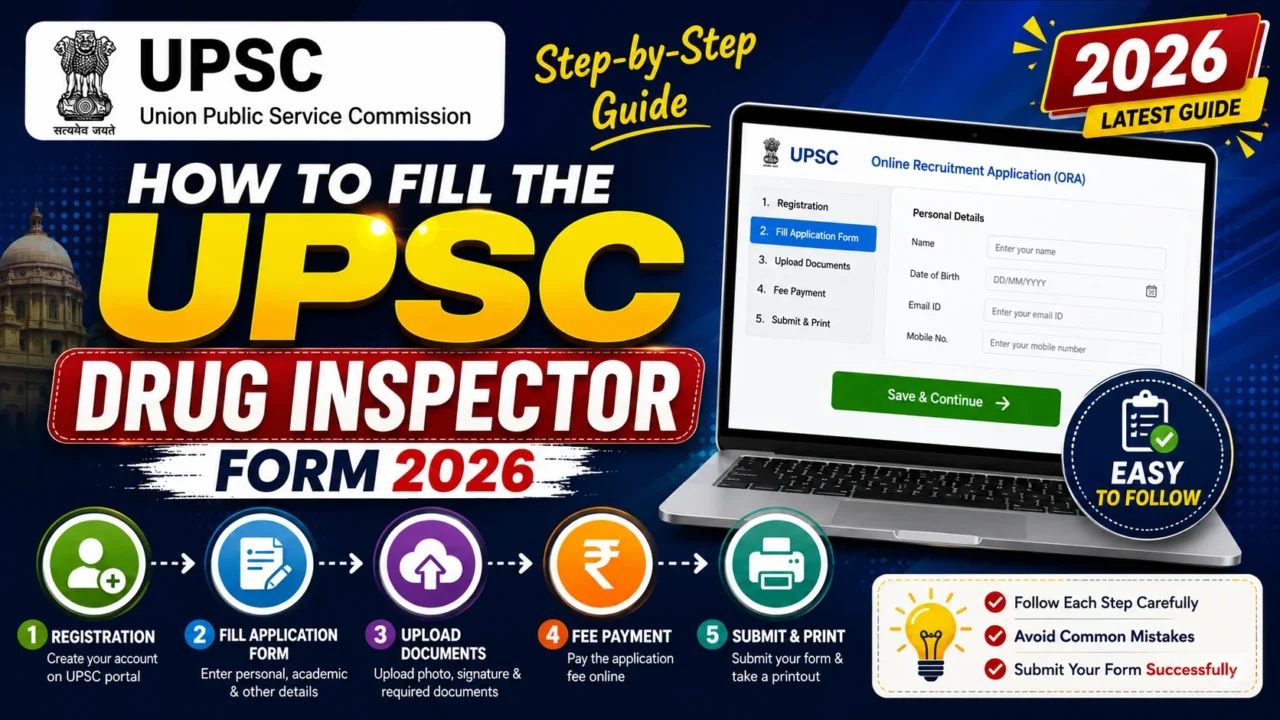

The Union Public Service Commission (UPSC) has opened applications for the highly anticipated Drug Inspector recruitment. To ensure your application doesn’t get rejected due to technical or clerical errors, follow this absolute step-by-step breakdown of the online registration and submission process based on the GPAT Discussion Center tutorial.
Contents
Essential Prerequisites Before You StartPart 1: Creating Your Account & Universal RegistrationStep 1: Account CreationStep 2: Universal Registration ProfileStep 3: Aadhaar / Identity VerificationStep 4: Matriculation (10th) Details & Document UploadPart 2: Completing the Common Application Form (CAF)Part 3: Applying for the Drug Inspector Position
Essential Prerequisites Before You Start
Before logging onto the official portal, ensure you have the following ready in the required formats:
- Valid Email ID & Mobile Number (Active and capable of receiving OTPs).
- Aadhar Card or a valid photo ID proof.
- 10th Matriculation Certificate/Marksheet (PDF format, 50 KB to 300 KB).
- Cast/EWS/Disability Certificate if applicable (Central Government format, issued after March 31, 2025).
- Essential Educational Documents (B.Pharm / Pharm.D degree or final year mark sheets in PDF format).
- Passport Size Photograph (JPG/JPEG format, 20 KB to 200 KB, face covering 75% of the frame).
- Triple Signature Image (A single image containing three distinct signatures stacked vertically).
Part 1: Creating Your Account & Universal Registration
Step 1: Account Creation
- Visit the official UPSC online portal.
- Click on “Create Account”.
- Enter your active Email ID and solve the captcha to “Get OTP”. Verify the email OTP.
- Enter your mobile number, trigger the OTP, and verify it.
- Create a Strong Password: It must be at least 8 characters long, containing one uppercase letter, lowercase letters, numbers, and a special character (e.g.,
Shashank@1234).
Step 2: Universal Registration Profile
- Log into the system using your registered mobile number or email along with your password/OTP.
- Navigate to Universal Registration.
- Fill in your fundamental details exactly as they appear on your 10th marksheet: Full Name, Gender, Date of Birth (DOB), Father’s Name, and Mother’s Name. Submit the profile.
Step 3: Aadhaar / Identity Verification
- Provide your Aadhaar number and consent for verification.
- Input the Aadhaar OTP to pull and verify your automated biometric details. Review and submit.
Step 4: Matriculation (10th) Details & Document Upload
- Enter your 10th board name, year of passing, certificate roll number, issue date, and grading system.
- Crucial File Naming Rule: Rename your PDF file strictly to
board_certificatebefore uploading. The size must be between 50 KB and 300 KB. - Lock and final-submit this section. Note: Once locked, these baseline details cannot be edited later.
Part 2: Completing the Common Application Form (CAF)
Once your base registration is locked, you must populate the Common Application Form sections:
- Personal & Parental Profile: Enter your nationality, mother tongue, marital status, place of birth, parental occupation, and annual income.
- Social Category Profile (Caste Certificate): Select your category (OBC/SC/ST/EWS). For OBC Non-Creamy Layer (NCL) or EWS, the certificate must be issued after March 31, 2025. Rename the file to
cast_certificatebefore uploading. - Address & Academic Profiles: Input your permanent and communication addresses. Fill in your 12th/Higher Secondary information sequentially.
- Uploading Photos & Signatures:
- Upload your professional passport photograph (File name must be saved as
photo). - Complete the live webcam/QR photo capture.
- Upload the Triple Signature block containing three stacked signatures.
- Upload your professional passport photograph (File name must be saved as
Part 3: Applying for the Drug Inspector Position
After saving your CAF, lock the profile and head to the application section:
- Search Recruitment: Search for “Drug Inspector” under the recruitment tab and choose “Apply”.
- Age Relaxation: Claim relaxation if you are an ex-serviceman or a central government employee; otherwise, choose “No”.
- Essential Qualification Mapping:
- B.Pharm Graduates: Select Bachelor’s Degree in Pharmacy.
- Pharm.D Graduates: Choose Bachelor’s Degree in Medicine with Specialization in Clinical Pharmacology.
- Enter your college details, division, final percentage/CGPA, and upload your consolidated degree certificate and mark sheets.
- Experience & Extra Documents: If you do not possess past professional training, mark “No” to move ahead to the next section.
- Exam Center Preference: Select two exam cities of your choice (e.g., Lucknow, Delhi, Bhopal, etc.).
- Fee Payment & Final Print: Complete the application fee payment via the online portal/QR interface. Once the transaction finishes, download the final application PDF layout for future use.
Recommended Products

DRUG INSPECTOR
On Sale
Trending
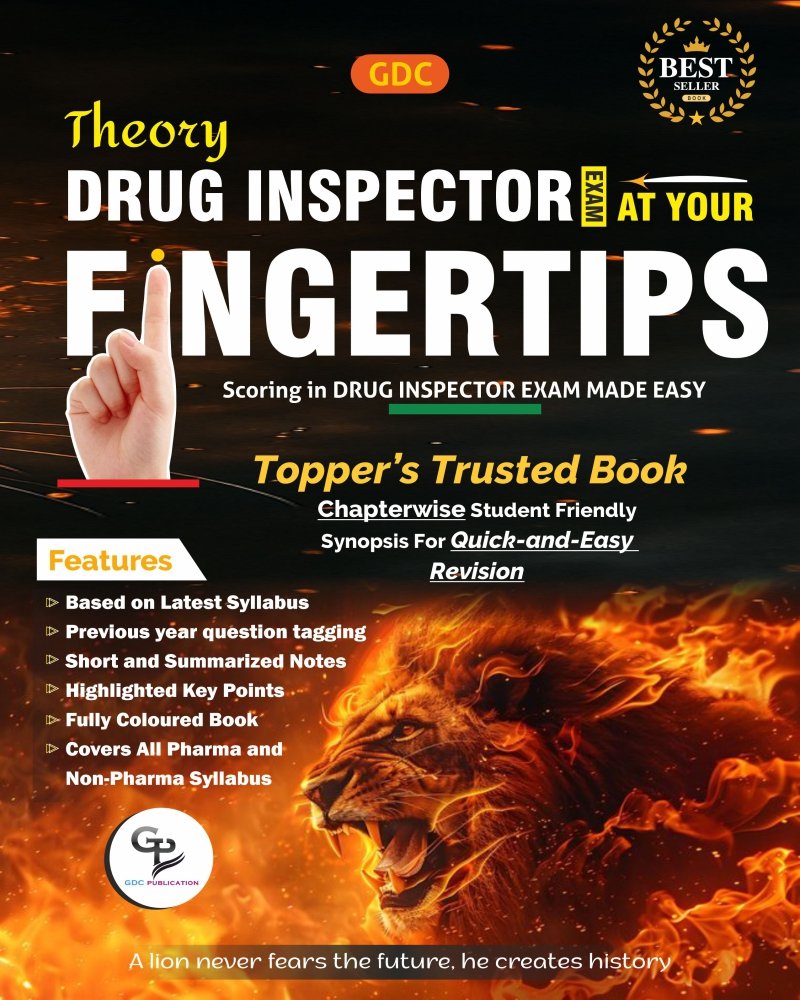
DRUG INSPECTOR
On Sale
Trending

DRUG INSPECTOR
On Sale
Trending
DRUG INSPECTOR
On Sale
Featured
DRUG INSPECTOR
On Sale
Trending
DRUG INSPECTOR
On Sale
PHARMACIST
On Sale
DRUG INSPECTOR
On Sale